

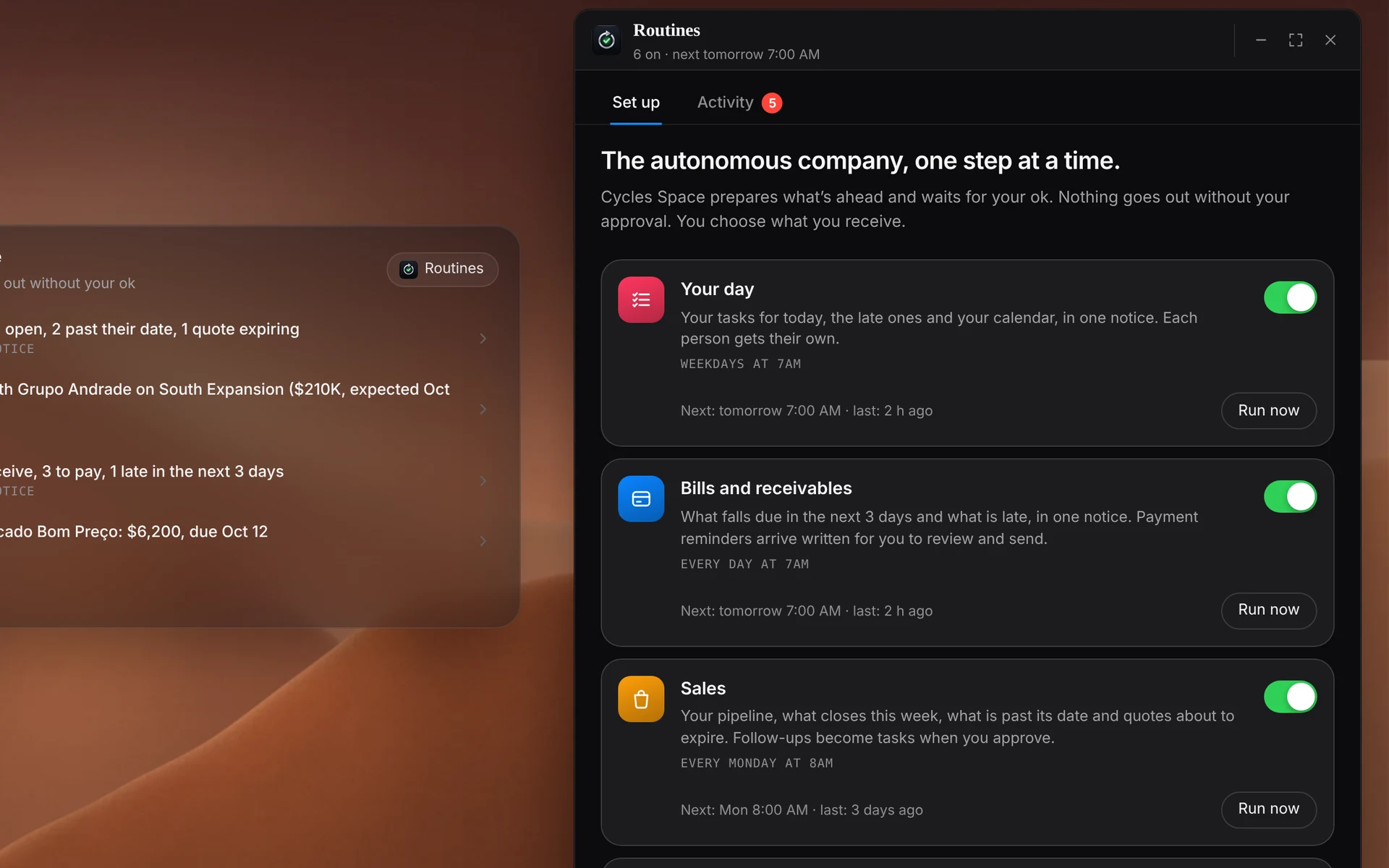
Your dayWeekdays, 7am
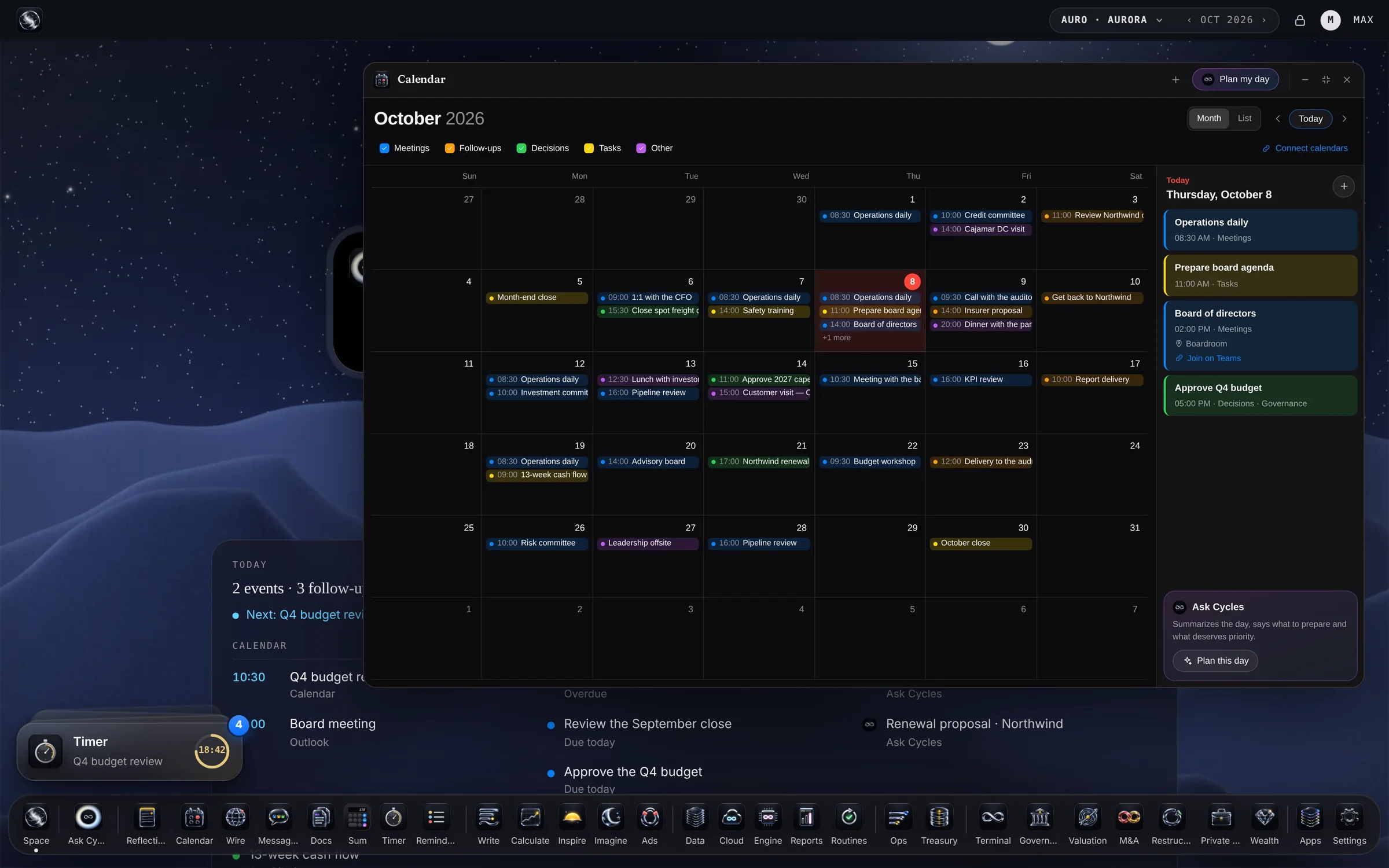
Your day, in one notice.
Today’s tasks, the late ones and your calendar. Everyone on the team gets their own.
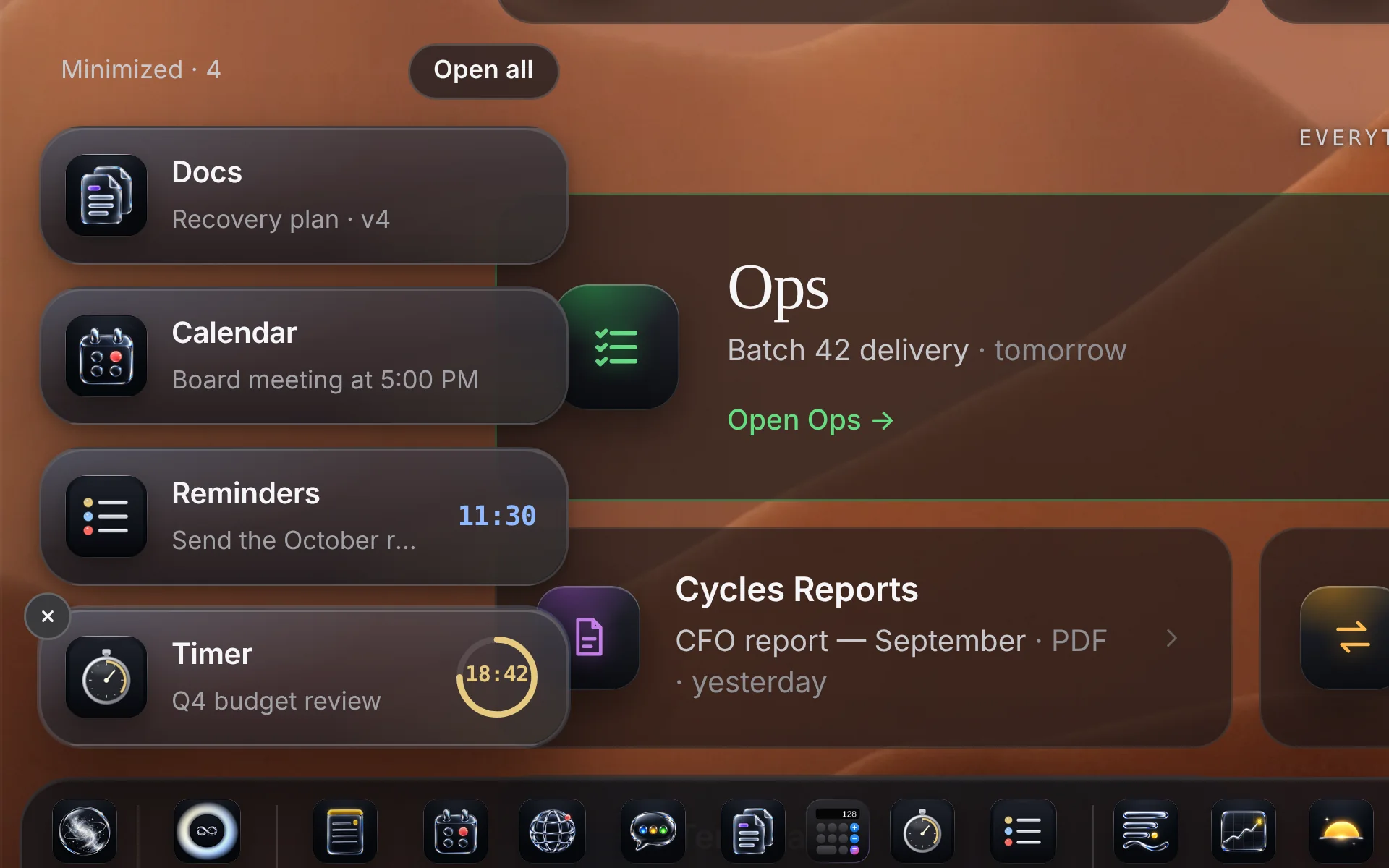
Cycles Space
One sign-in. Your whole company in one place, with Ask Cycles at the center.
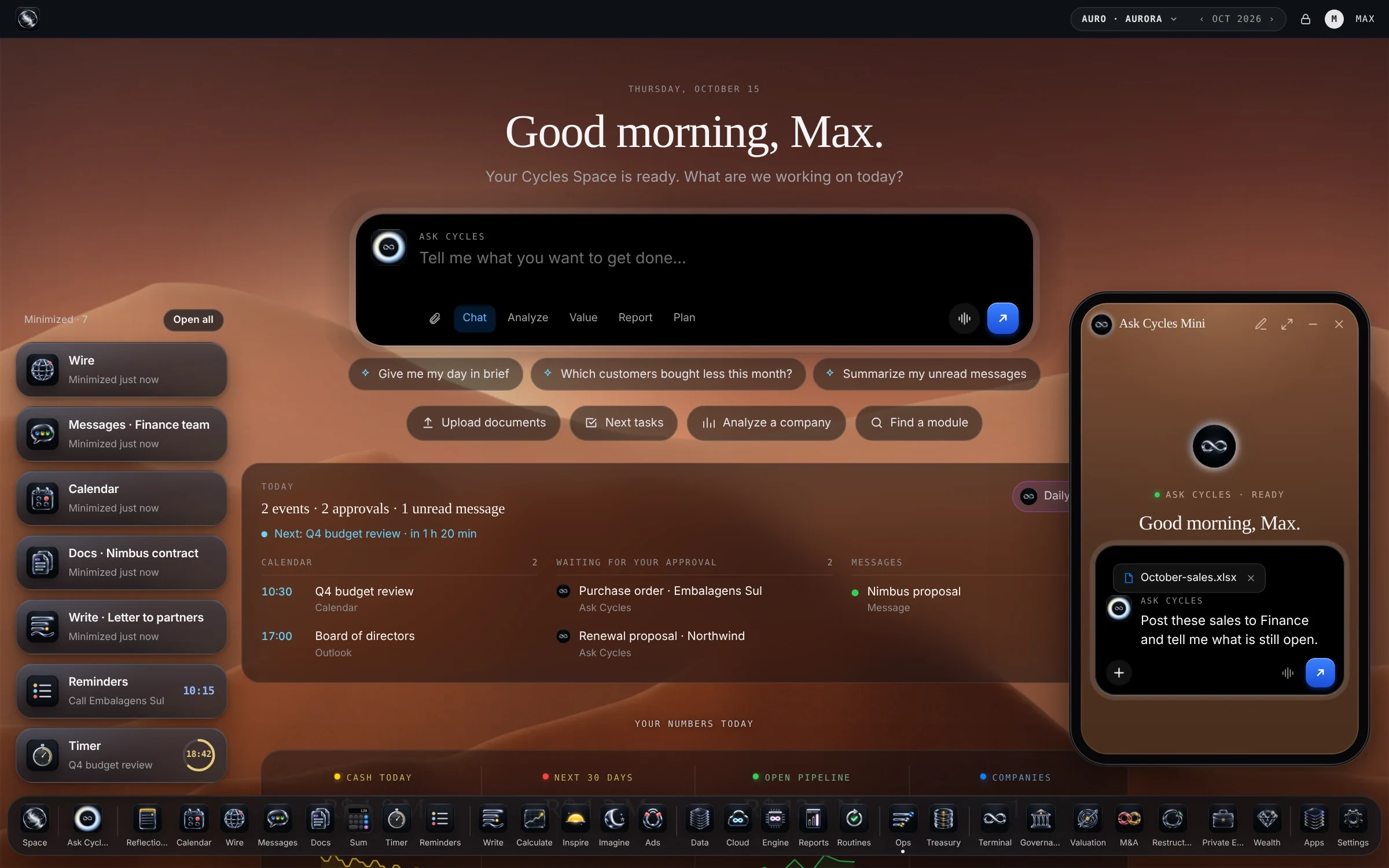
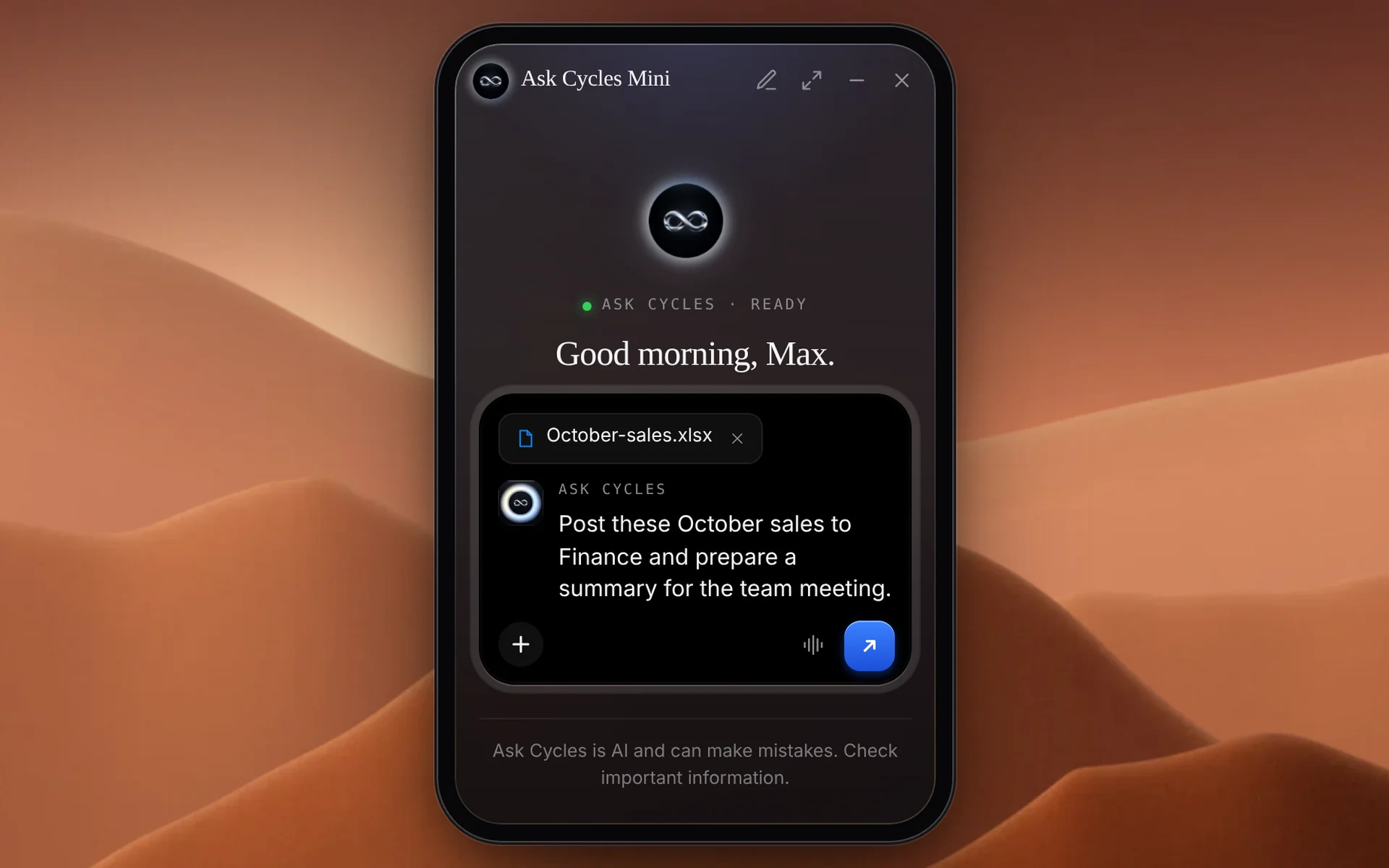
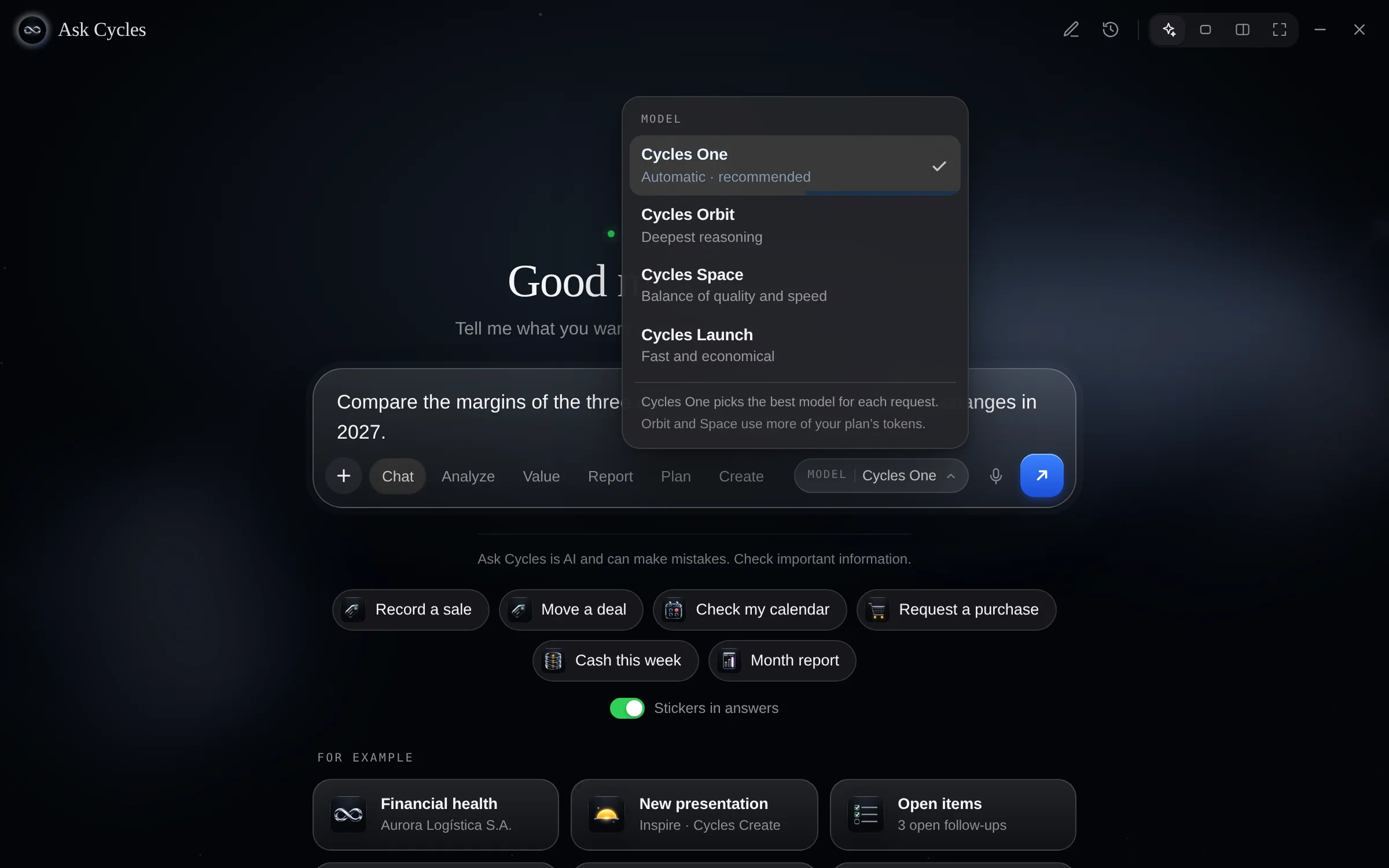
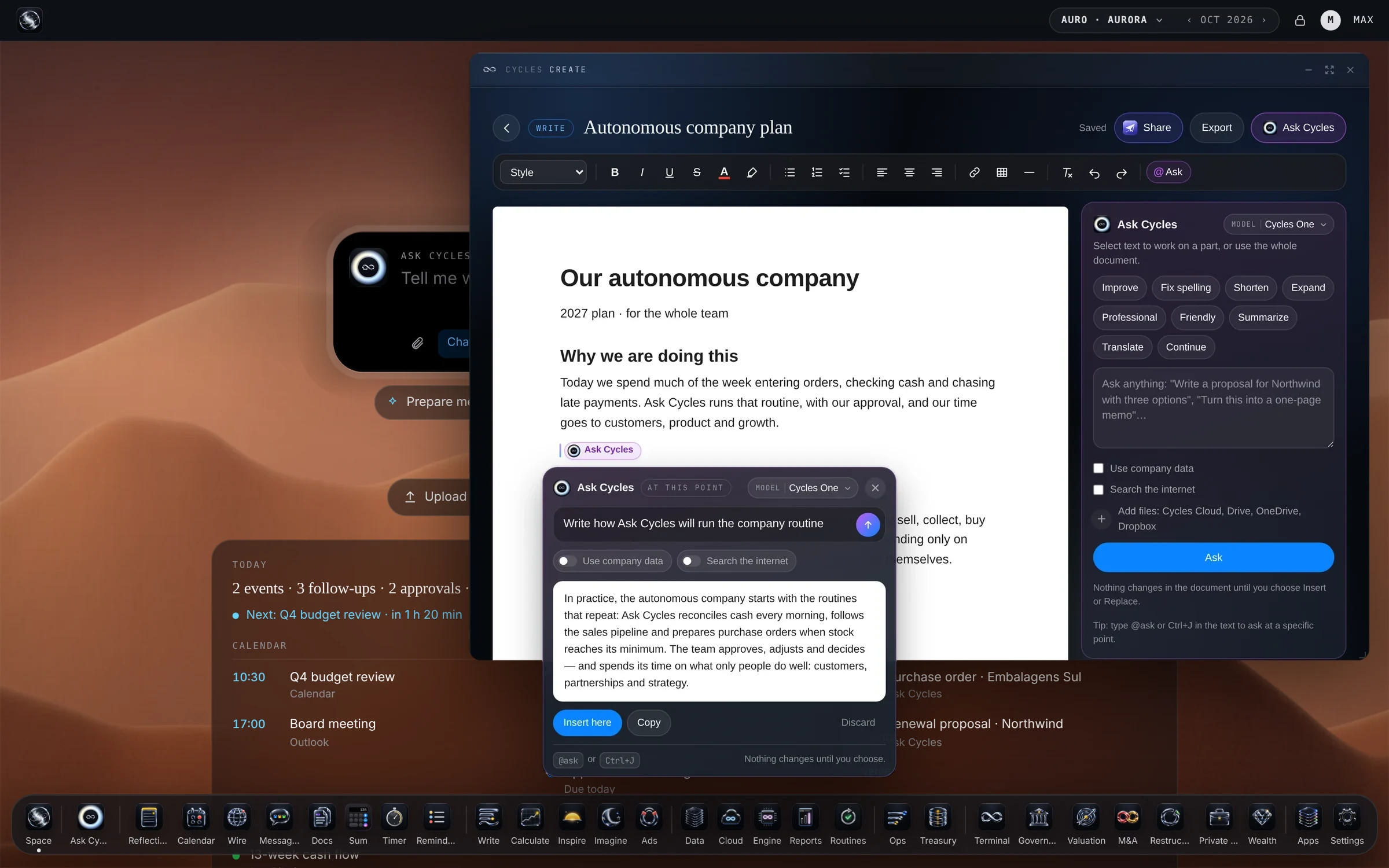
 Write · Documents@Ask CyclesFor plans, proposals, contracts and memos. Type @ask right in the text and Ask Cycles writes it there — nothing changes until you choose. Bring Word or Google Docs files and export to Word or PDF.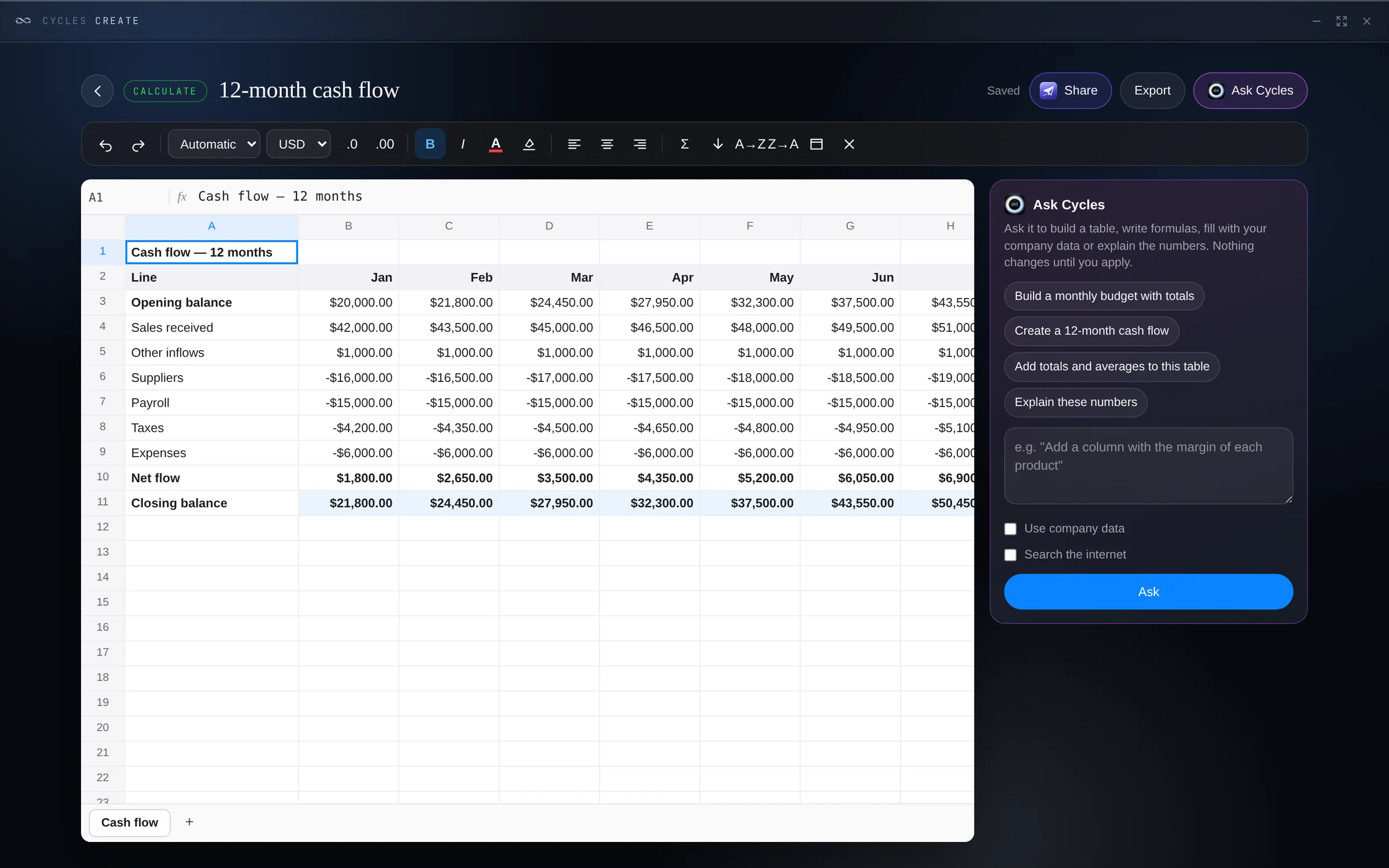
 Calculate · SpreadsheetsFor budgets, cash flow, prices and plans. Real formulas, and Ask Cycles does the analysis you apply with one click. Import and export Excel.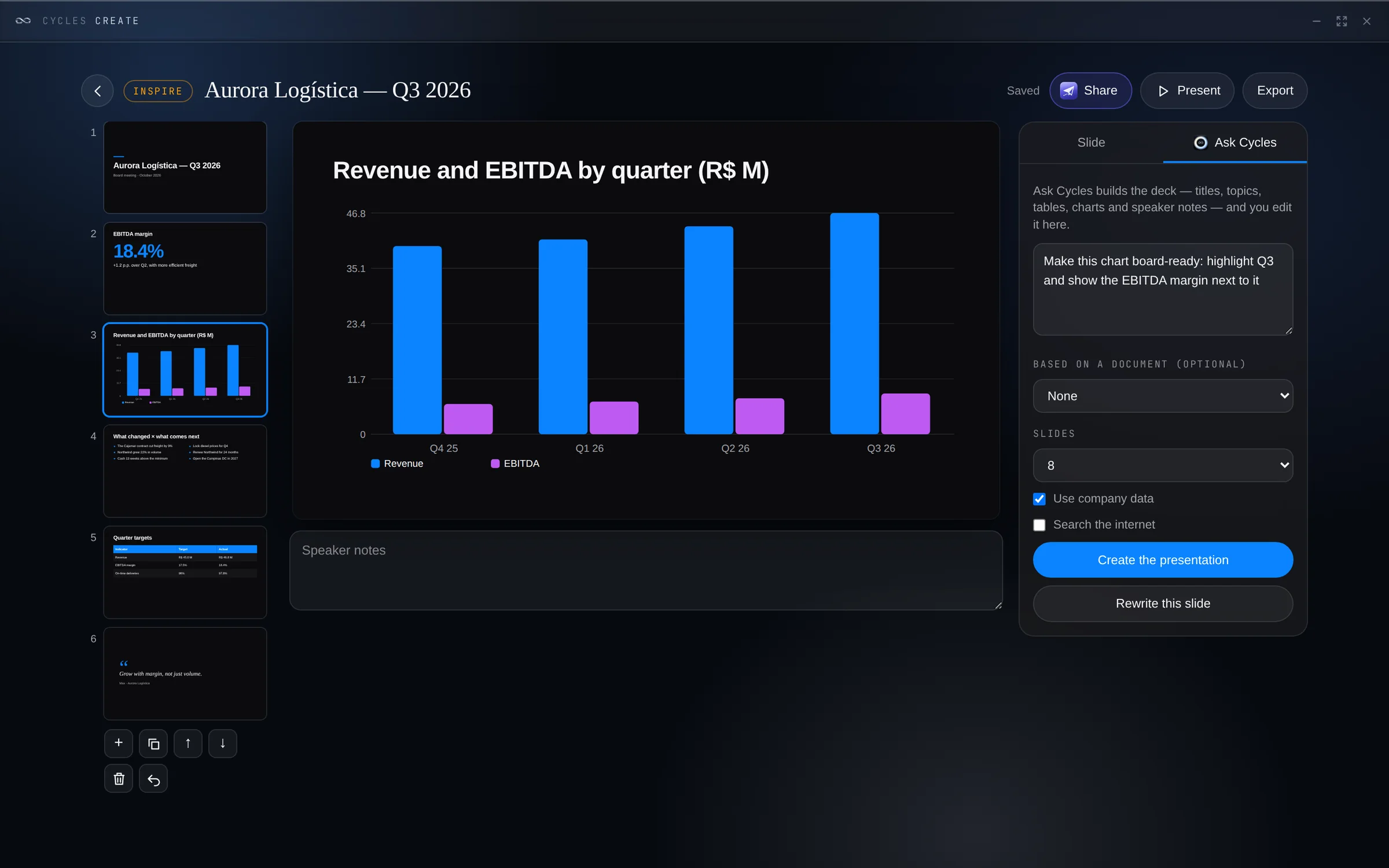
 Inspire · PresentationsFor pitches, plans and results. Ask Cycles builds the whole deck from one request, with images, charts and tables. Present on the spot or export to PowerPoint and PDF.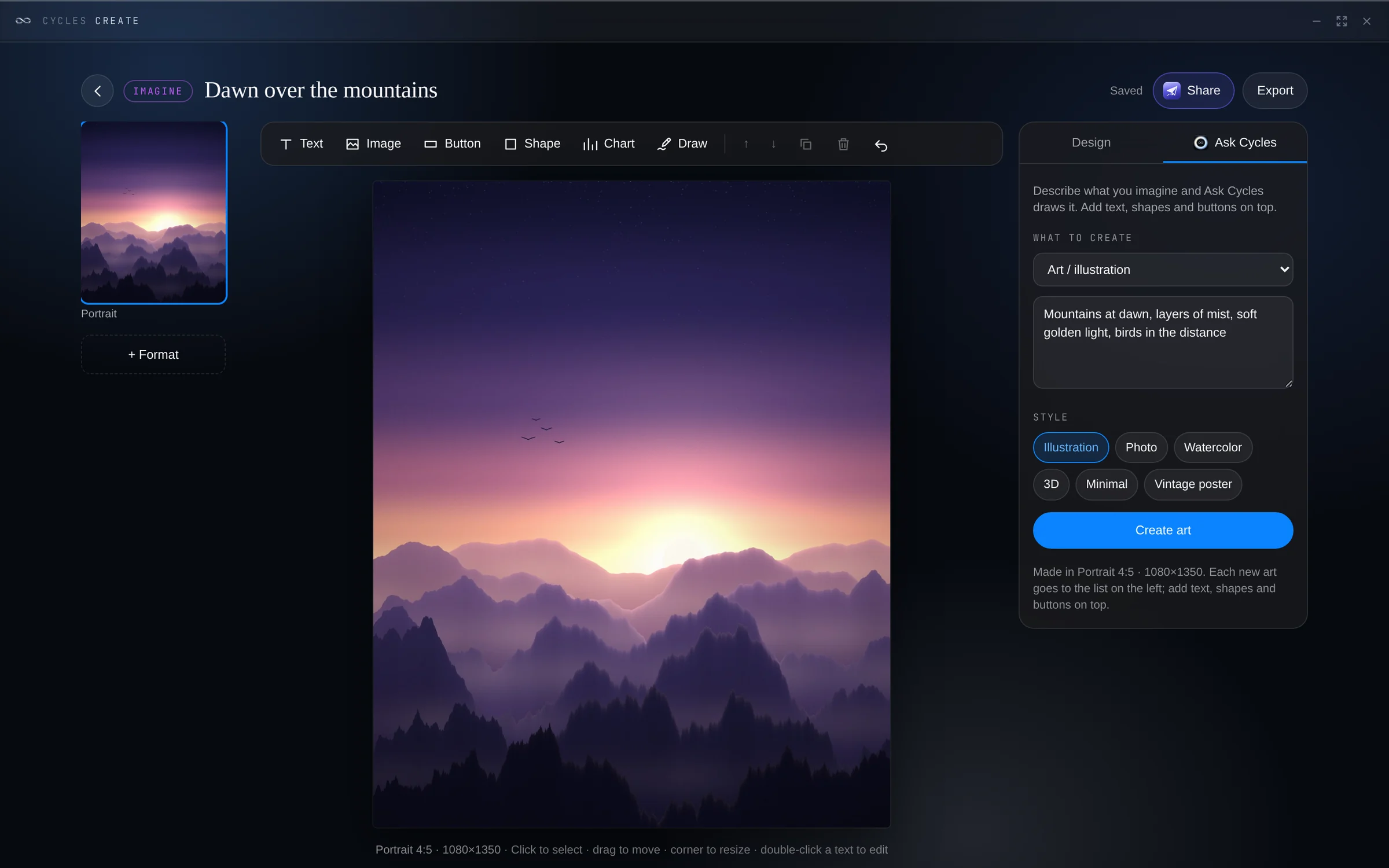
 Imagine · ArtFor illustrations, posters, invitations and covers. Describe what you imagine and Ask Cycles draws it, in the style you choose.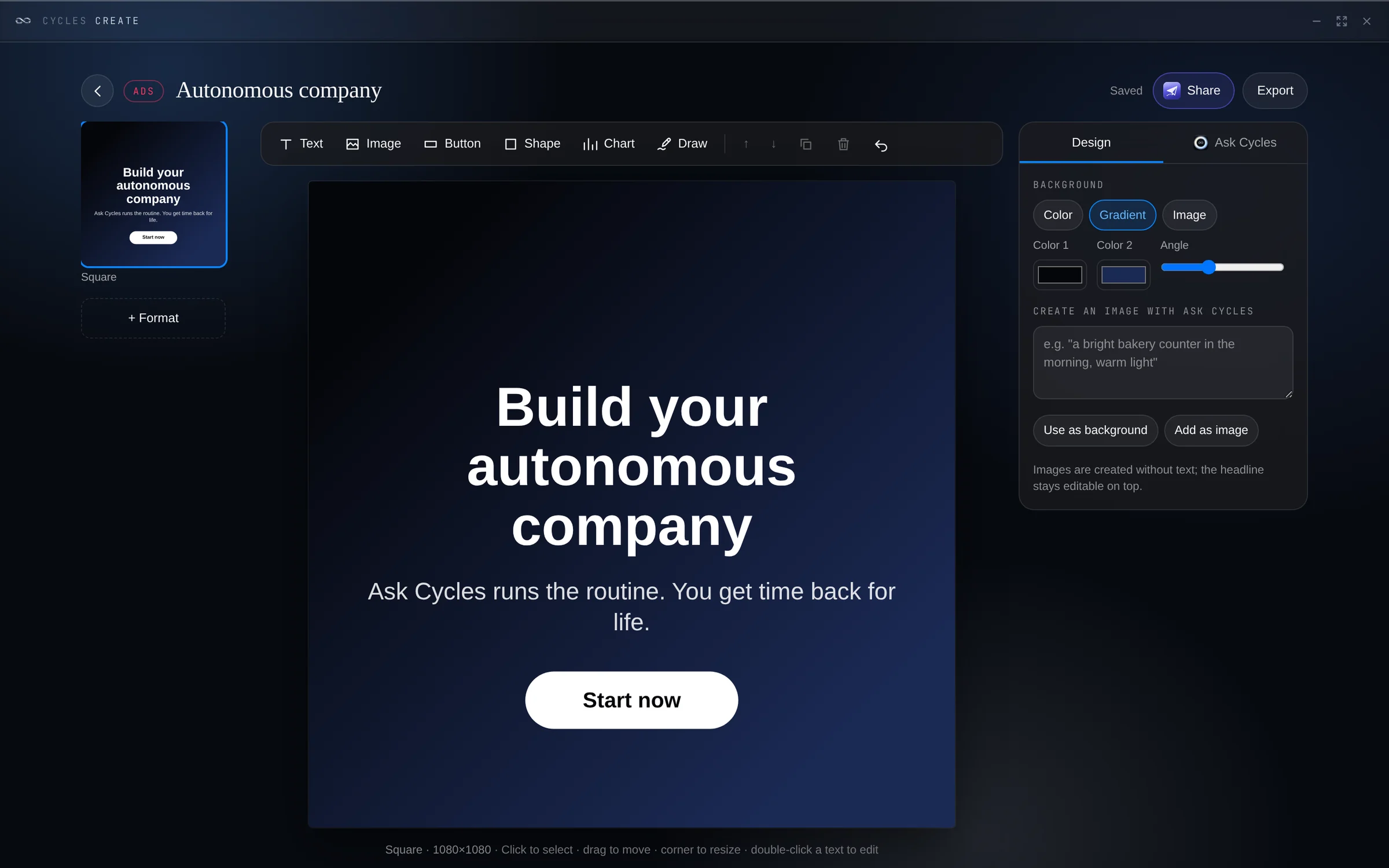
 Ads · AdvertisingFor ads and social posts in every format. Ask Cycles writes the ad and creates the image, ready to edit and publish.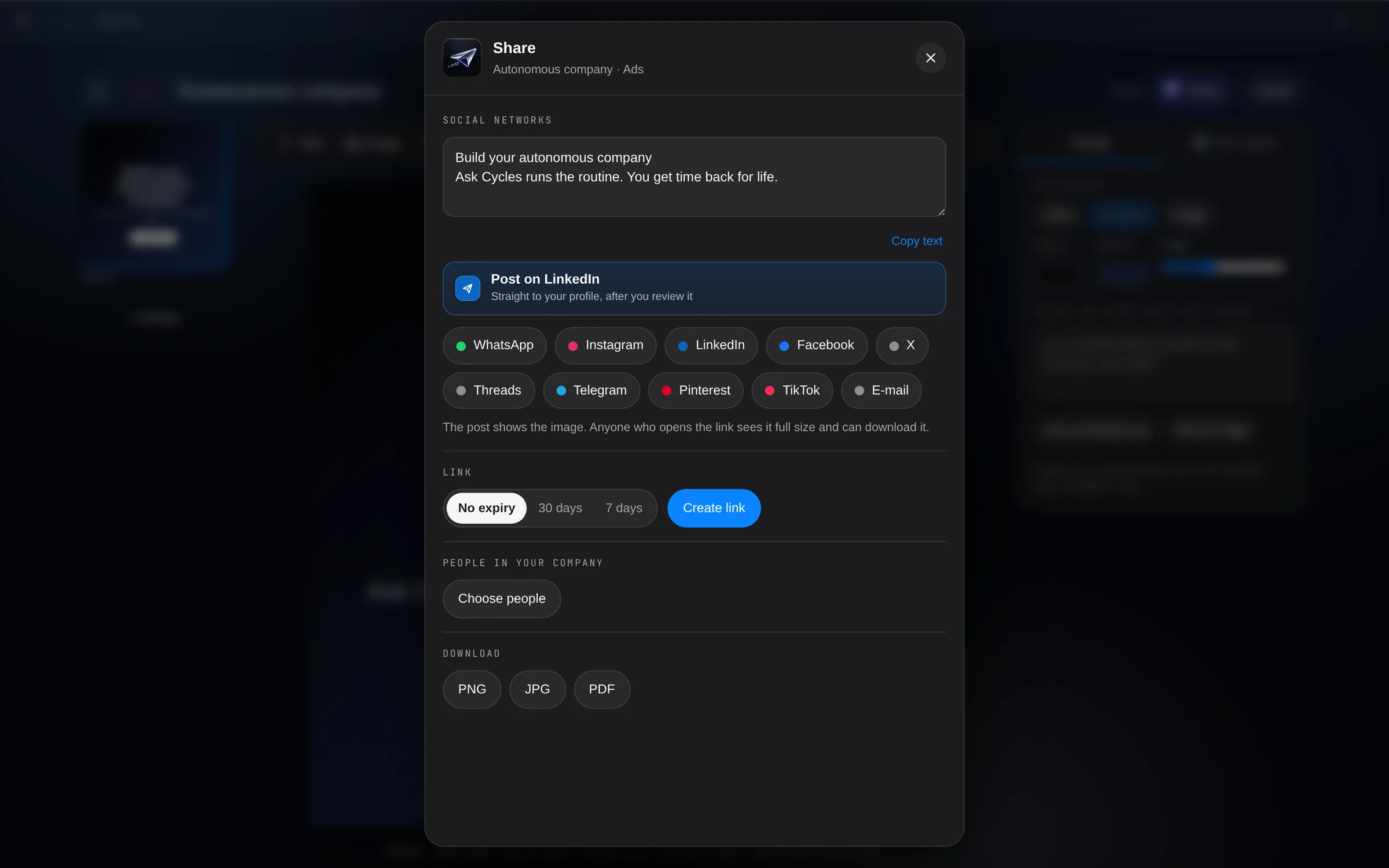
 Share · Social and linksA new way to collaborate. Share what you create, instantly: with your team, by link or straight to your social networks, with the preview in place.
Cycles Space prepares what’s ahead and waits for your ok.
Nothing goes out without your approval.
Turn on routines once in the Routines app. They handle what repeats and let you know by notification or email, at the time you choose — everyone chooses what they get.
Today’s tasks, the late ones and your calendar. Everyone on the team gets their own.
What’s due, what’s late and whether the balance covers it. Payment reminders arrive written: you review and send.
The week’s cash: what comes in, what goes out and where it ends. If it gets tight, what to do — waiting for your ok.
What closes this week, what is past its date and quotes about to expire. Follow-ups become tasks when you approve.
Last month’s report ready to generate, with the changes explained in plain words.
The balance sheet you uploaded becomes numbers in your Space, and you check them before they’re applied.
You approve. Always. Reminders, tasks and reports wait for your ok. Cycles Space never sends anything to third parties on its own.
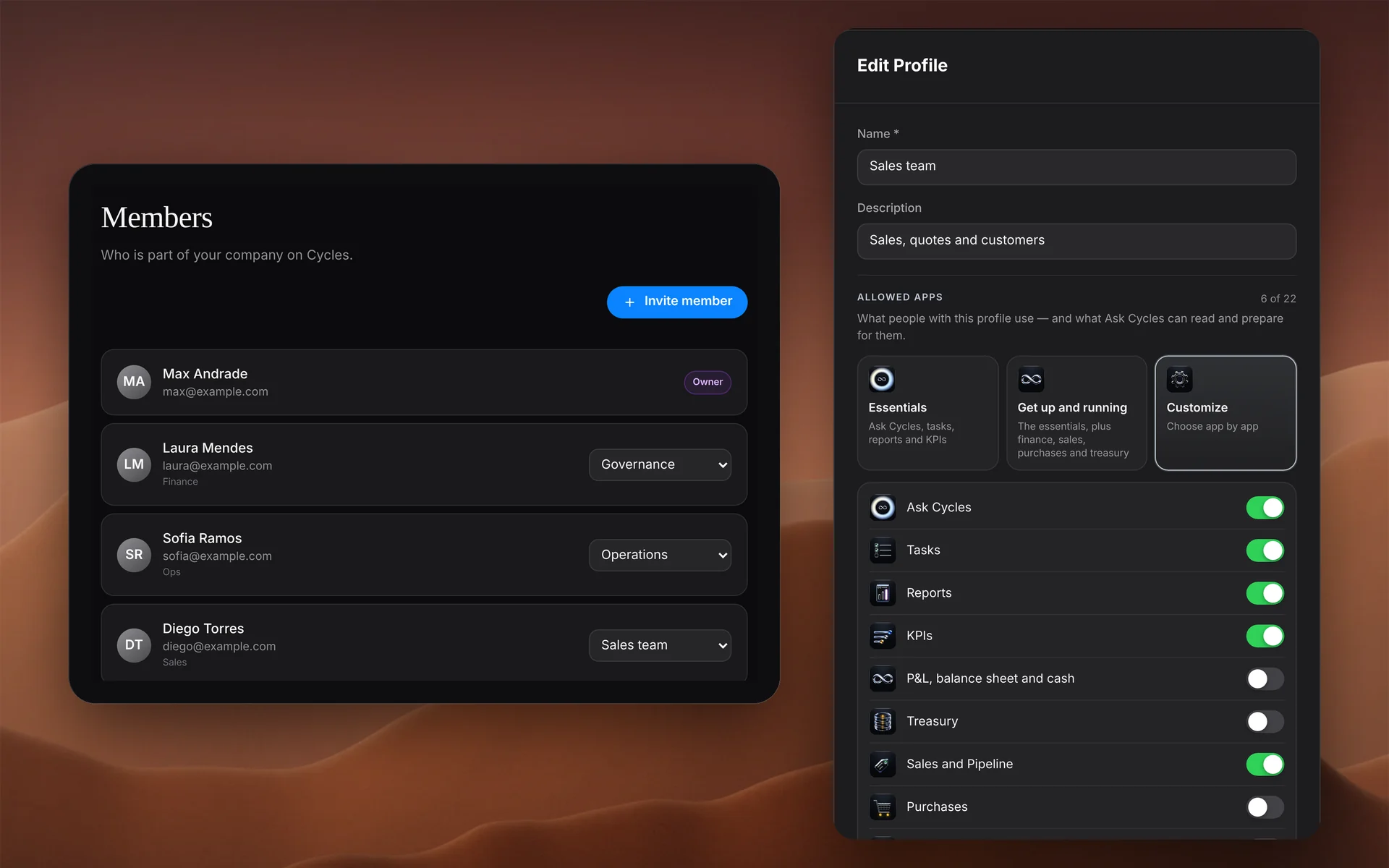
Everyone with their own access and their own Ask Cycles — and the whole team working together, in the same Space.
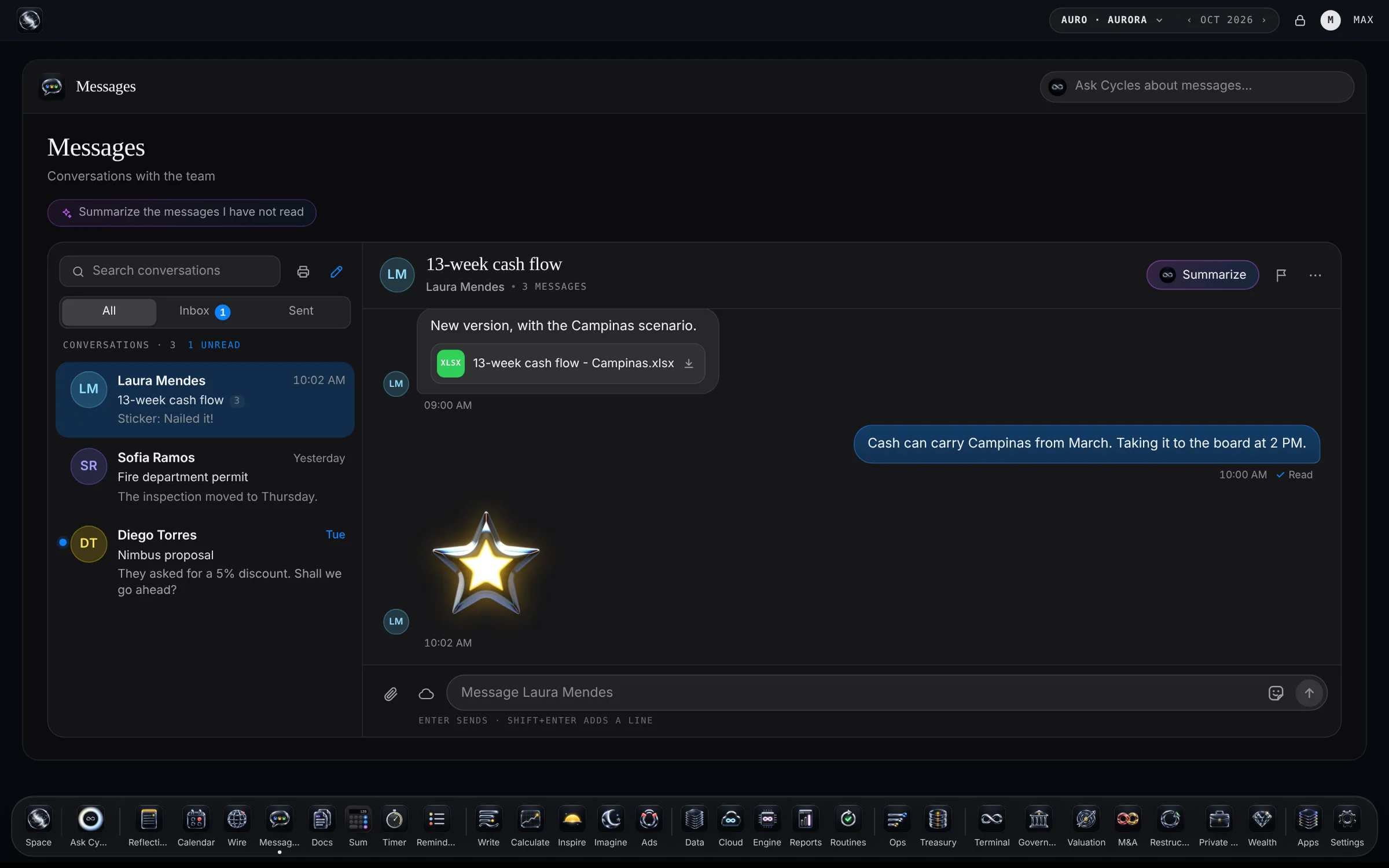
Everyone sees what they should: owners and admins set each person’s access, module by module — full, view only or without values.
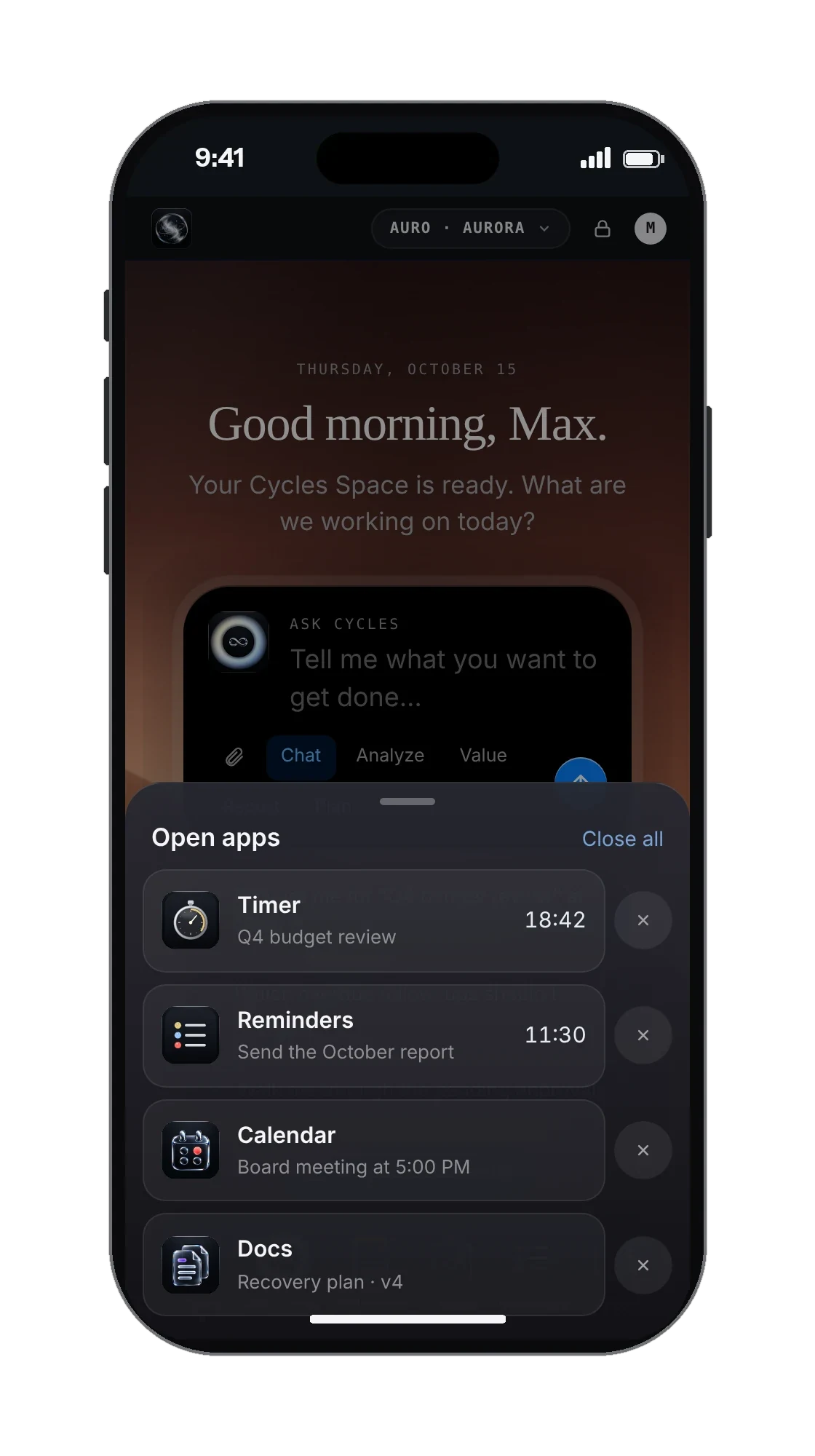
Open Cycles Space in your phone browser and add it to your Home Screen: it opens like an app, with Ask Cycles, your apps and your company one tap away.
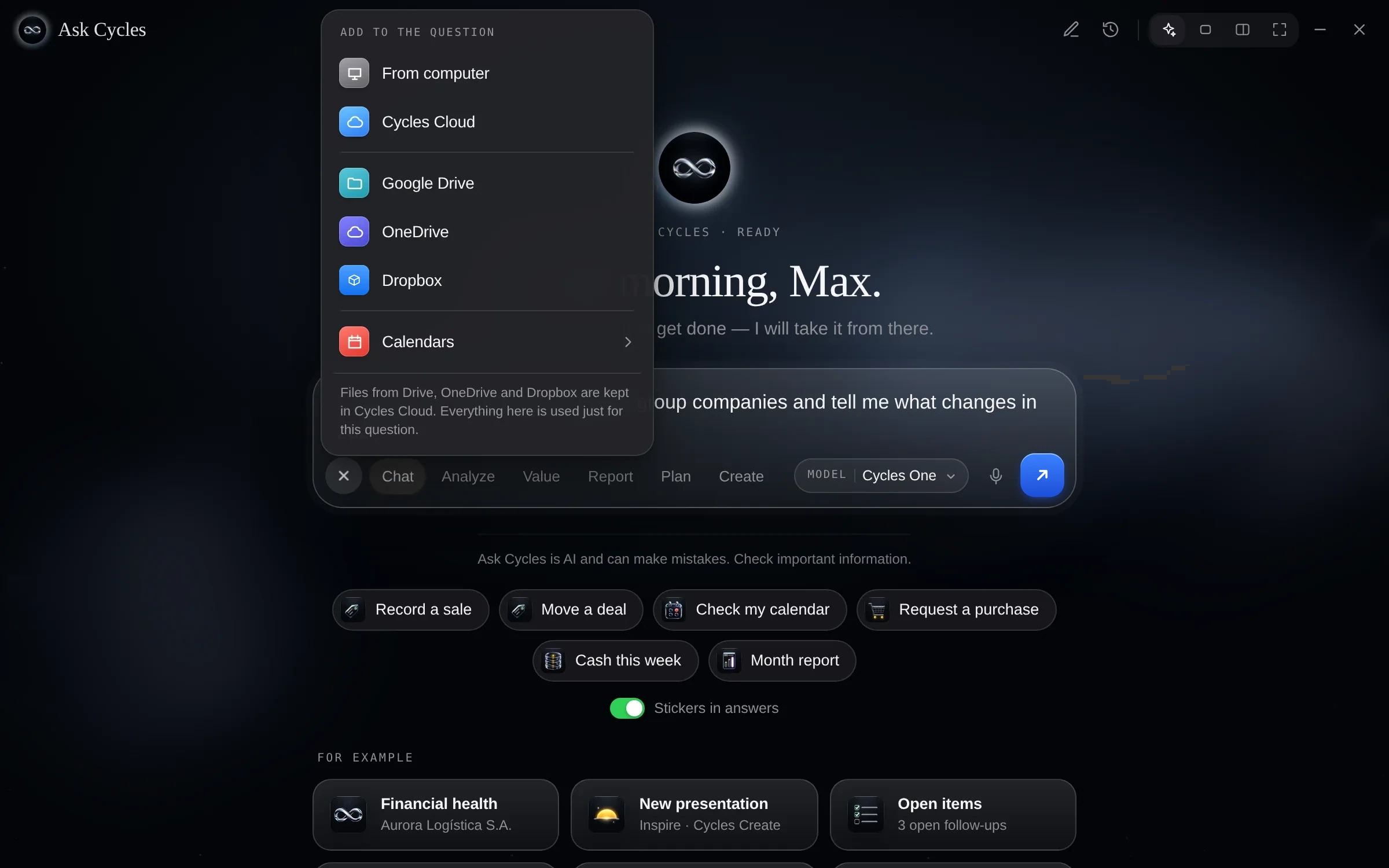
Sign in with your company account and work with your files, calendars, meetings, messages and deals in Cycles Space, through each provider’s own authorization — alongside Microsoft Teams, Slack, Zoom and Pipedrive, and LinkedIn for publishing. Calendars like iCloud can also be added by link. The files you pick are kept in Cycles Cloud, Ask Cycles only reads what you choose, and nothing is sent or published without your approval.





Our clients put their name on what leaves Cycles Space. That is why every step stays under your control.
Ask Cycles and your routines prepare; saving, posting and sending wait for your ok. Cycles Space never sends anything to third parties on its own.
A profile for each person, the apps and modules they can use, and the days and hours they can sign in.
Isolated per company, encrypted, protected by two-step verification and an audit trail, and never used to train models.
A data processing agreement, export and deletion on request, two-step verification and an audit trail.
 Cycles CloudYour company’s files, in one place.Learn more ›
 Cycles DataAsk your documents.Learn more ›
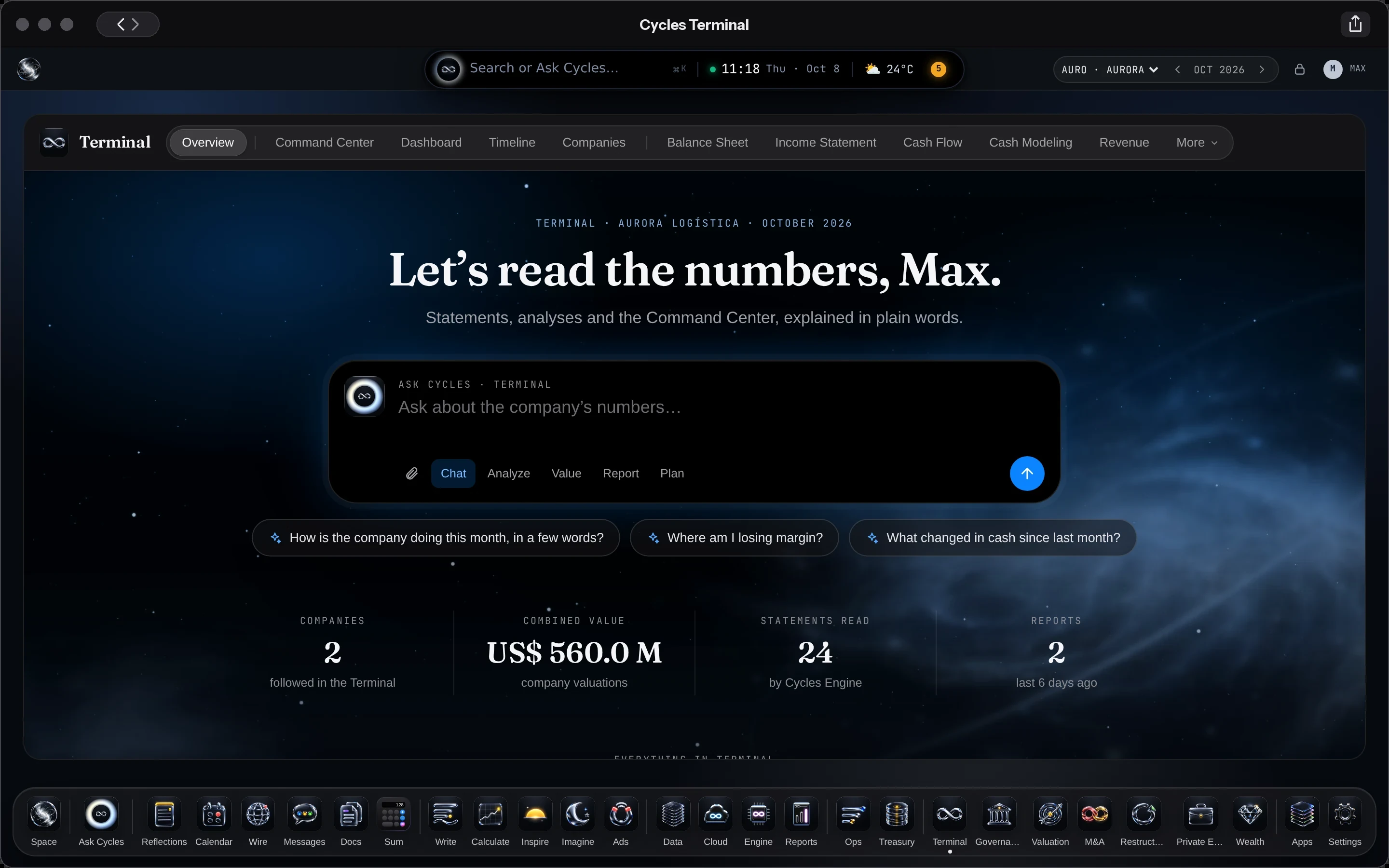
 Cycles TerminalAnalyze, value, manage, advise.Learn more ›
 Cycles AppsCreate, Read, Routines and the everyday apps.Learn more ›
Nothing to install. Sign in from the browser, on iPhone or Android.
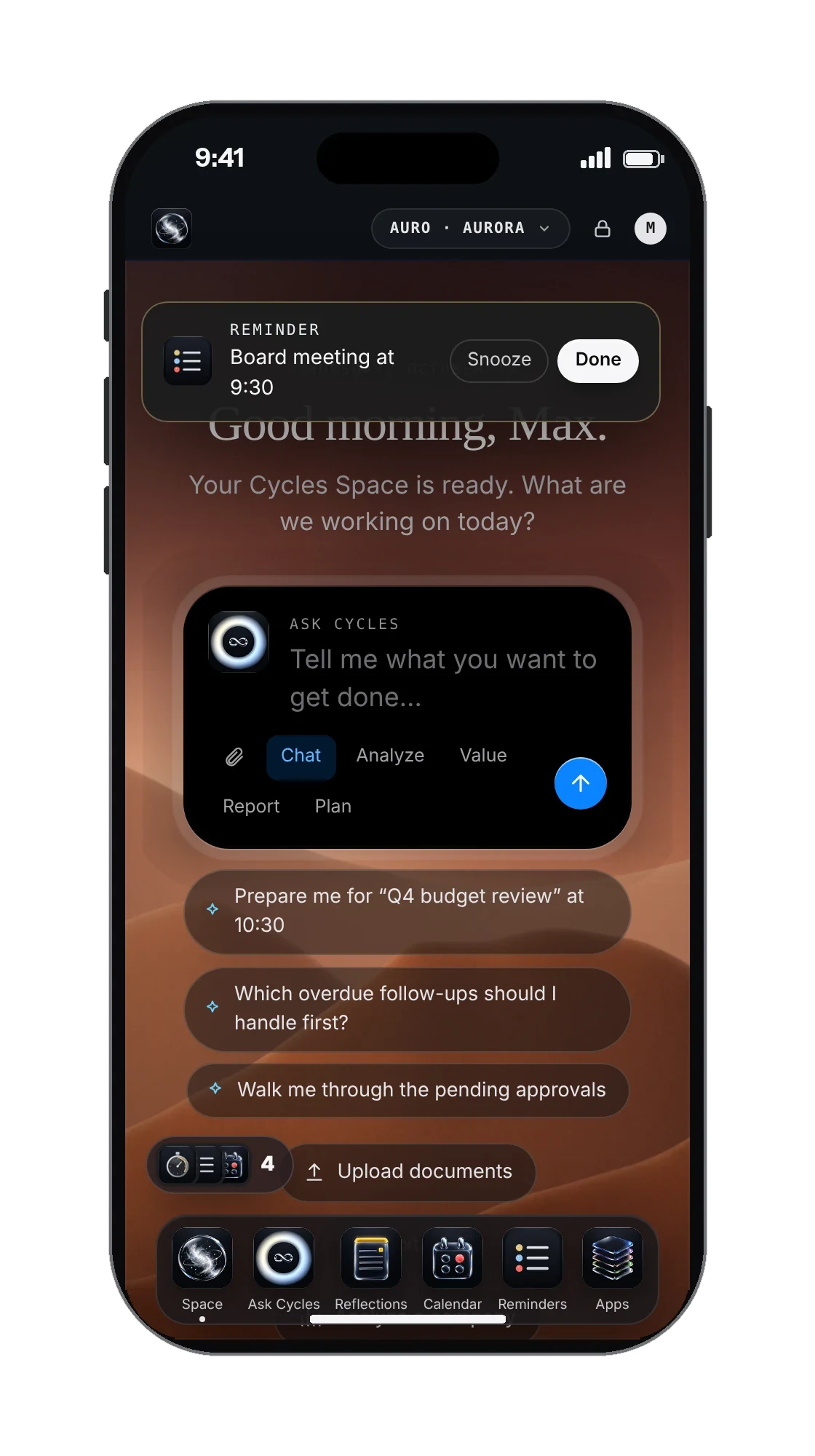
Professional tools that fit into your Cycles Space, activated within the same account and with Ask Cycles in all of them.
In Space Max and Space ProAnalyze, value, manage, advise — any company.

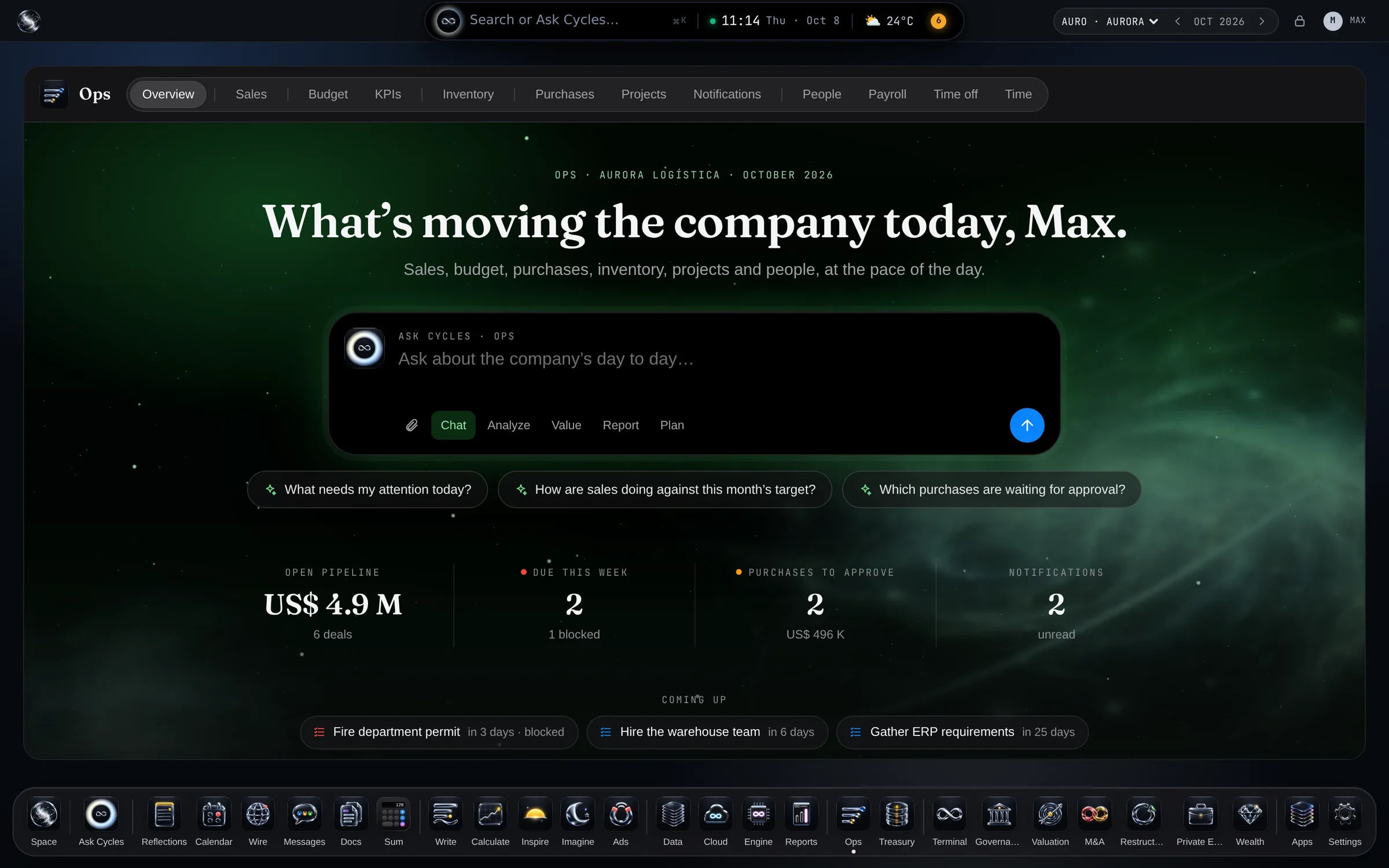
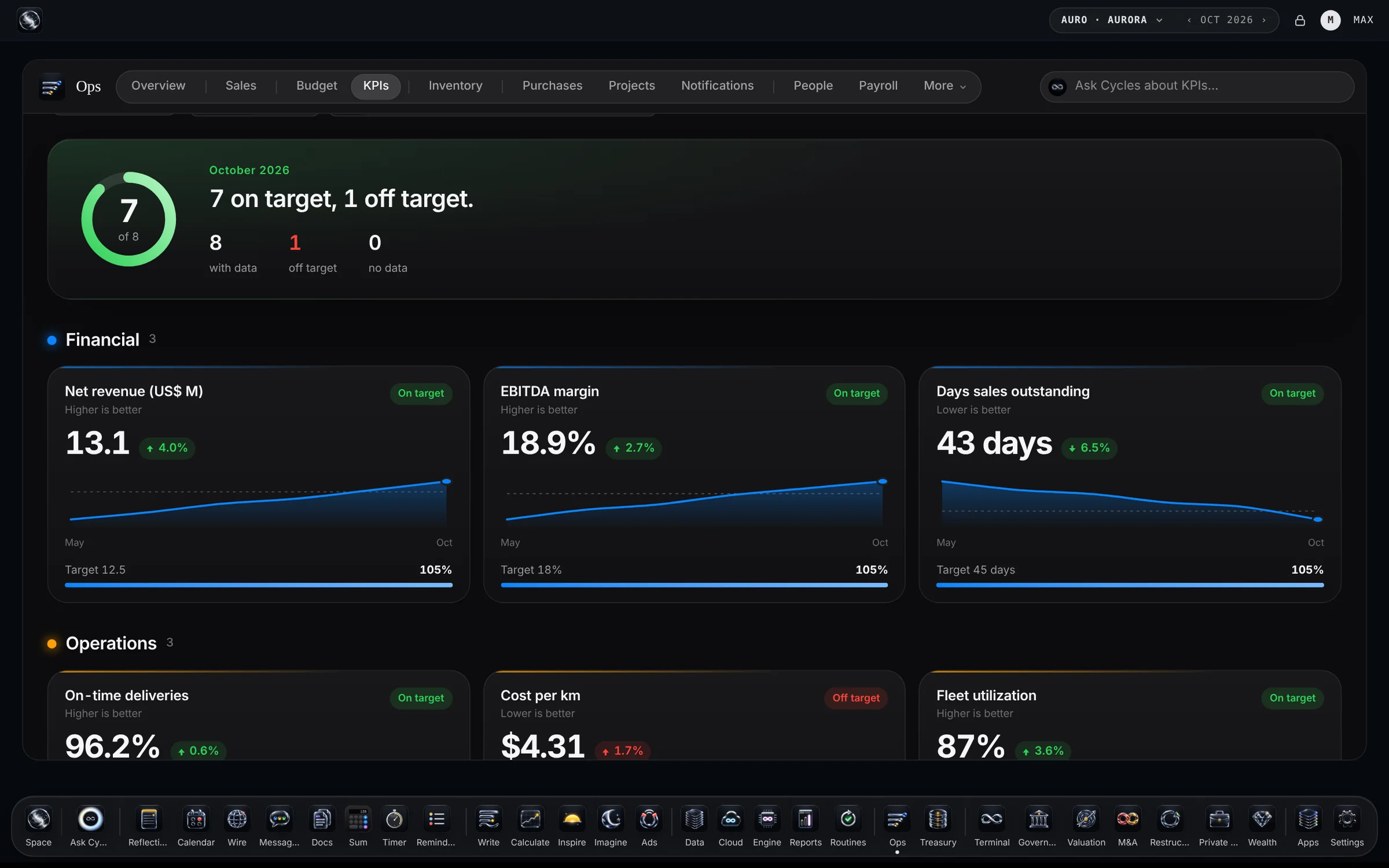
Sales, purchasing, inventory, tasks and people — the company’s day to day, in one place.


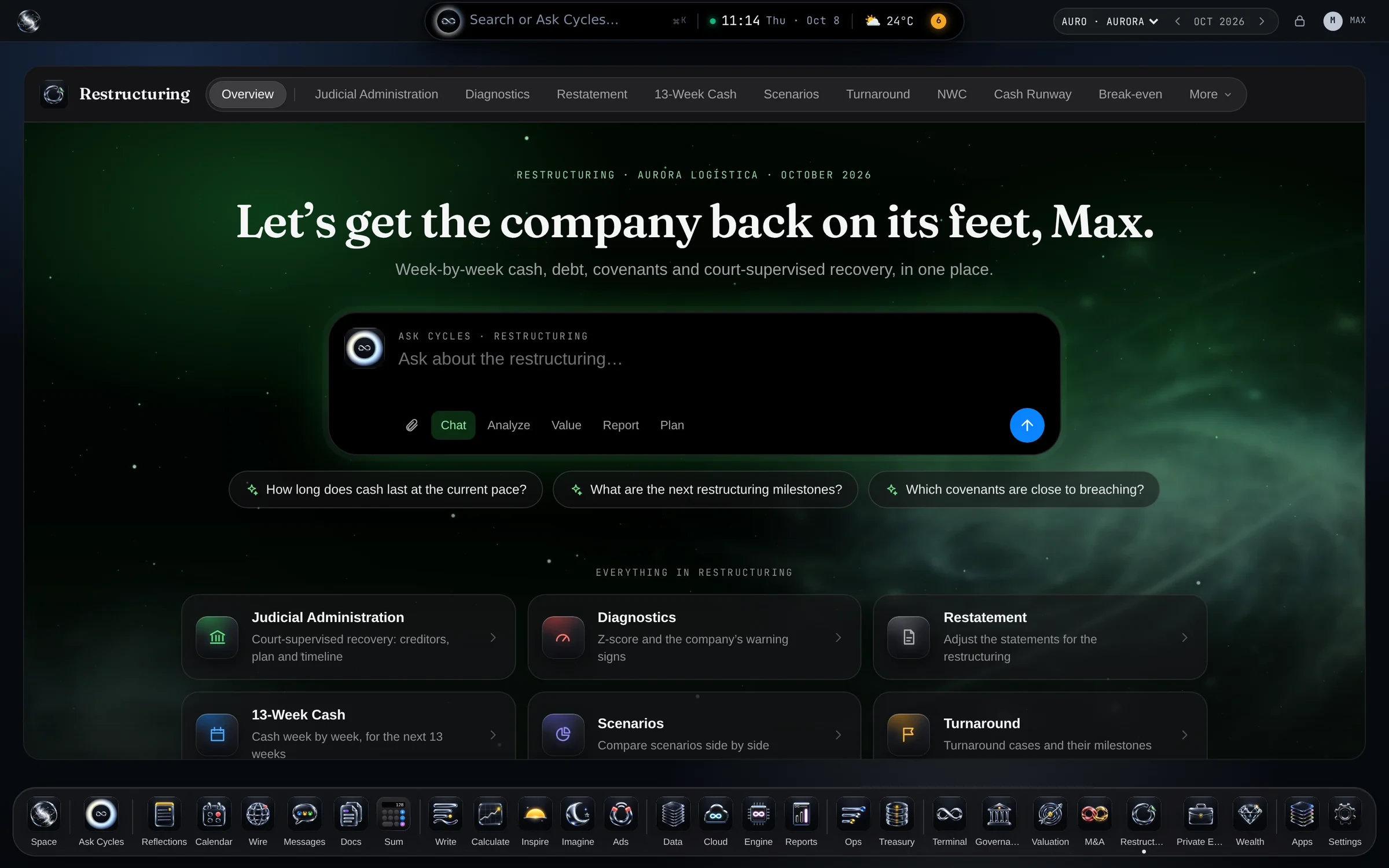
Week-by-week cash, covenants, turnaround and judicial administration.

Portfolio, LBO, waterfall and exit, with Valuation for every company.
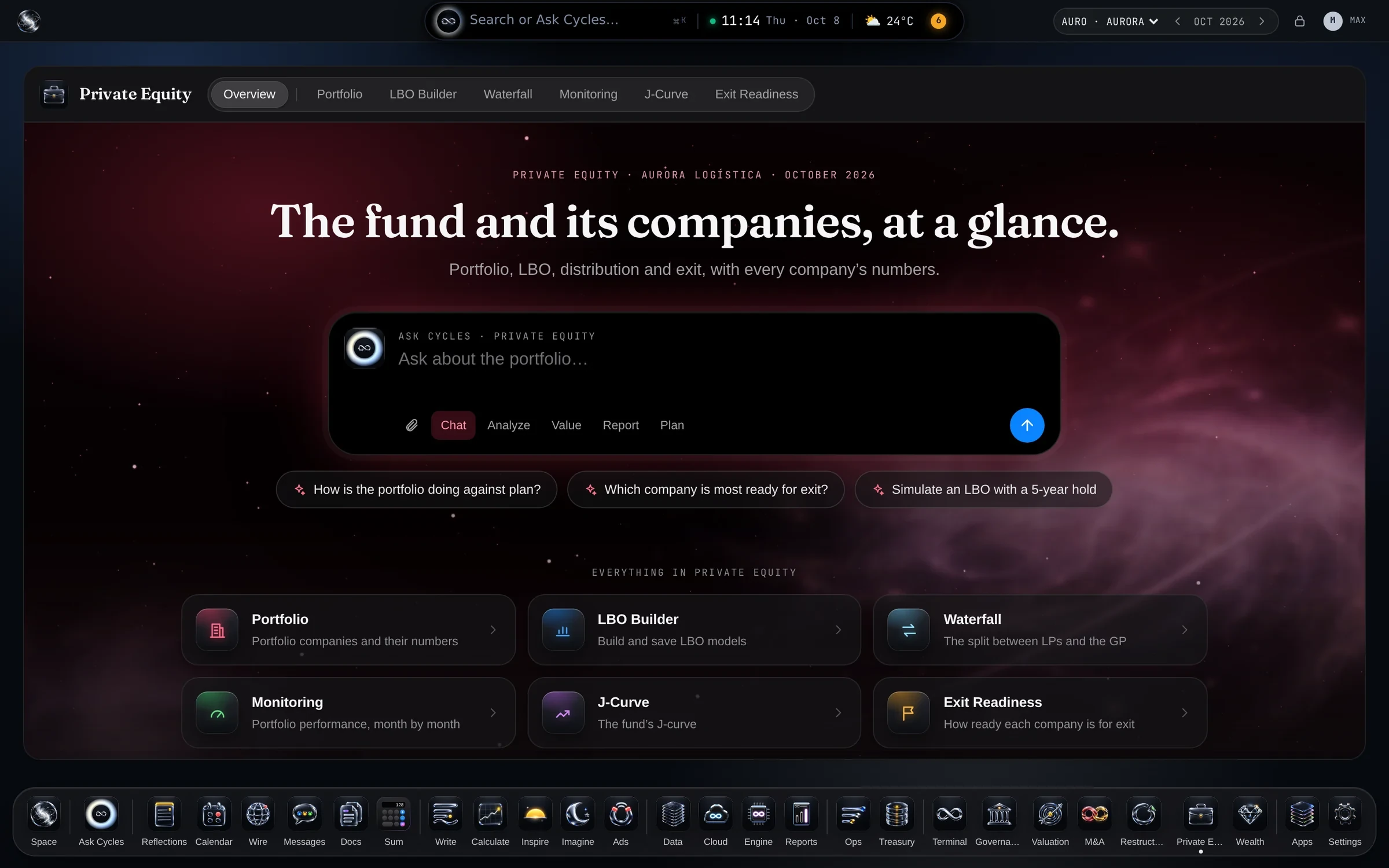 SpaceThe start: Ask Cycles, the apps and your company in one place.Try now ›Space MaxEverything in Space, plus Ask Cycles at full power, Terminal and Operations.Learn more ›Space ProEverything in Space Max, plus the full Terminal, Governance and one more Field.Learn more ›
+ Fields: Operations comes with Space Max and Space Pro; M&A, Restructuring & Turnaround and PE & Investors add on in the same account. Meet the Fields ›
Request your Cycles Space account and, with it, sign in to Ask Cycles, Cloud, Data, Terminal and the apps — one sign-in and the same permissions, wherever you are.
Once you’re in, share that you are building your autonomous company and get extra Ask Cycles credits.
 Meet the Routines app ›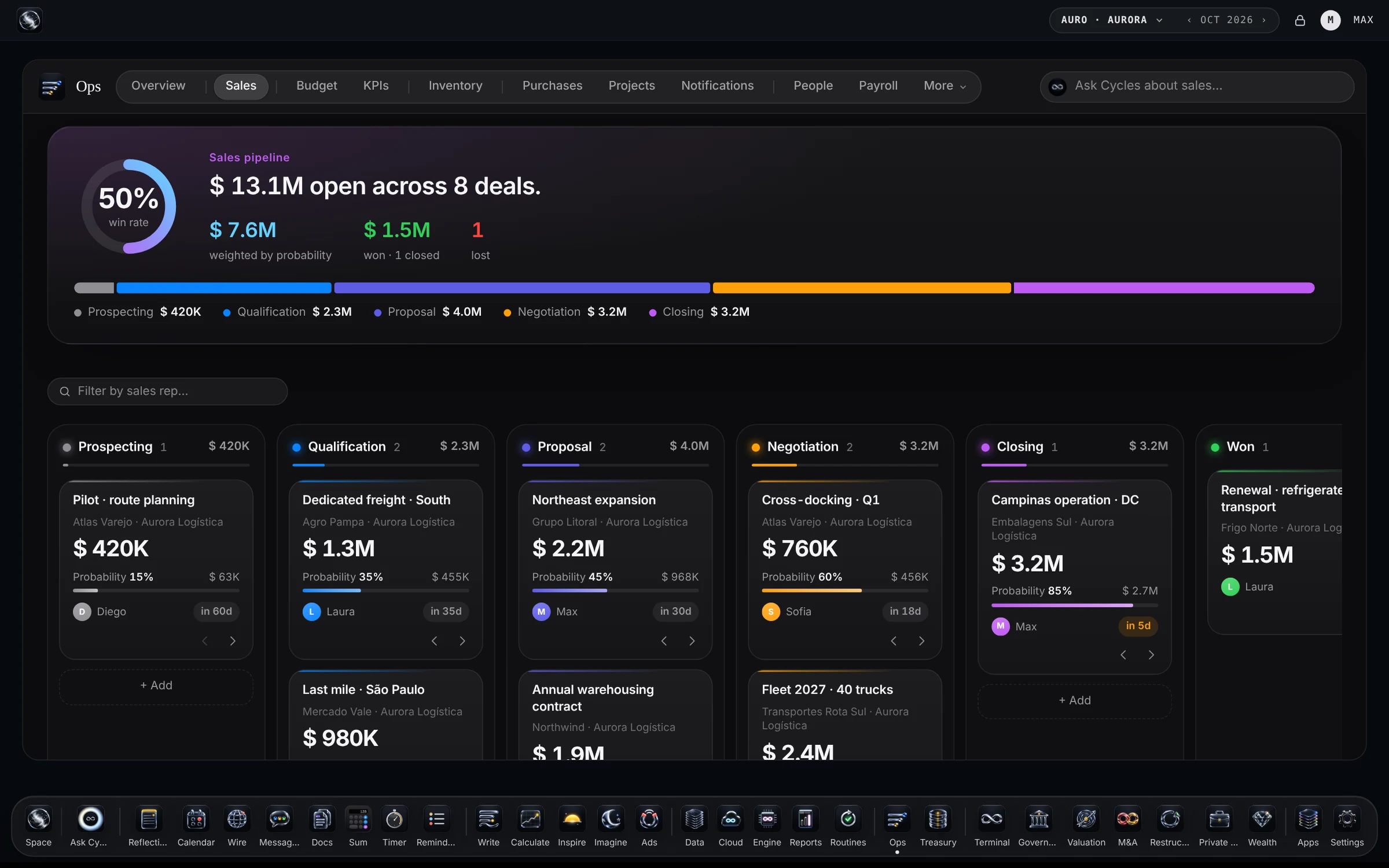



 Ask Cycles